On a web browser, go to the eClipboard Web URL.
eClipboard Web allows patients to fill forms online from any web browser. It is nearly identical to eClipboard 25, but some features, like appointment check-in, are unavailable. See eClipboard: What Patient Sees for details.
eClipboard Web is an updated alternative solution to Web Forms.
eClipboard Web does not require office login. Patients are required to complete aditional verification to log in and complete checklist items.
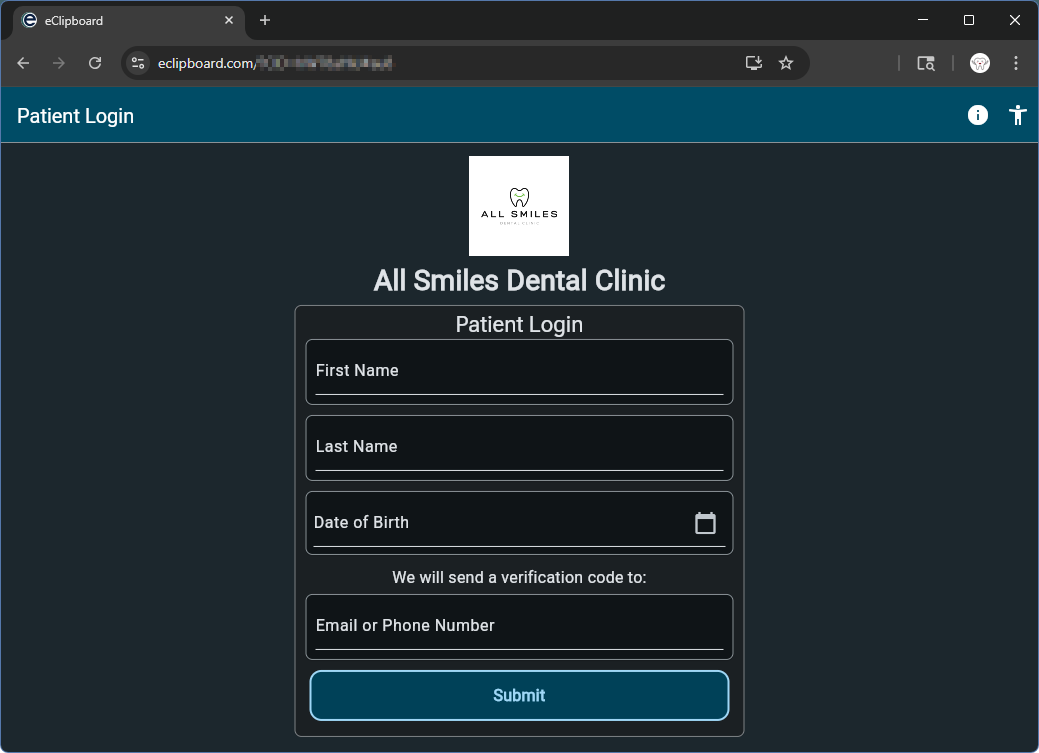
Patients log in using their first name, last name, and date of birth.
To verify their identity, they must also enter the phone number or email address associated with their patient account in Open Dental. A code is immediately sent to the entered selection.
Two-factor authentication is required when patients log into eClipboard Web.
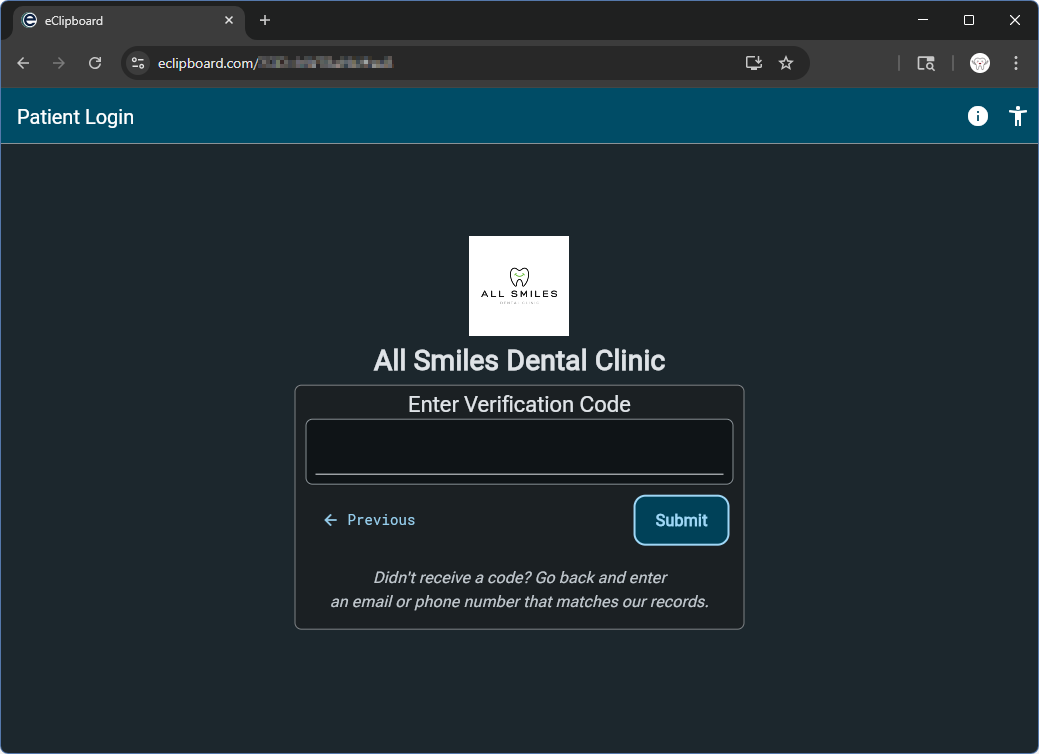
After the patient enters the Verification code, they are directed to the checklist to complete needed items.
For a look at other eClipboard examples, such as the check-in list, filling eForms, and more, see: eClipboard: What Patient Sees.