

Divvy Bridge
In the Main Menu, click Setup, Program Links. Double-click on Divvy.
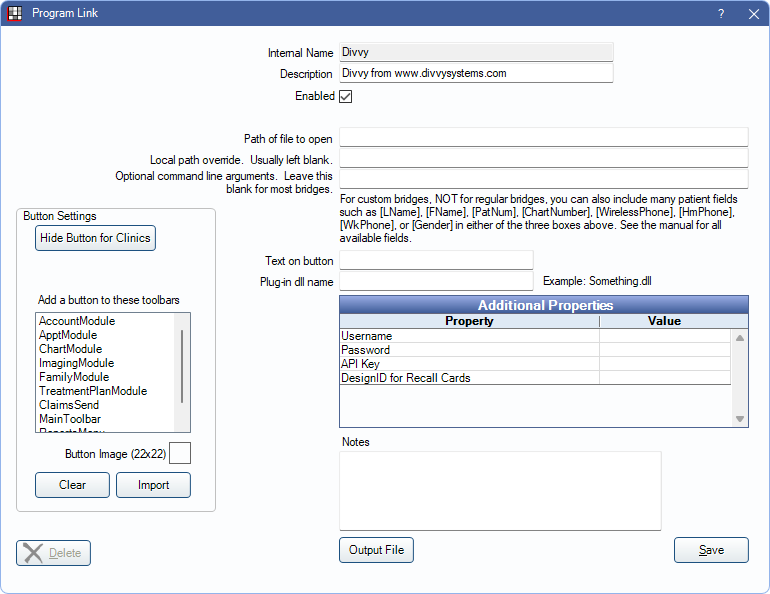
Divvy automates direct mail messages.
Bridge Setup
Enter the necessary settings to enable this bridge. Only the fields that need edits are listed:
- Enabled: Check to enable this bridge.
- Additional Properties: Double-click a field to enter necessary additional properties:
- Username: Enter the Divvy username.
- Password: Enter the Divvy password.
- API Key: Enter the Divvy API key.
- DesignID for Recall Cards: Enter a value for the design ID.
- Hide Button for Clinics: If using clinics, determine which clinics this button should and should not display for.
Click Save to keep changes.