
Help

Search
Chat
Use the Chat feature to message other users within the Open Dental program.
In the Manage Module, click Chat.
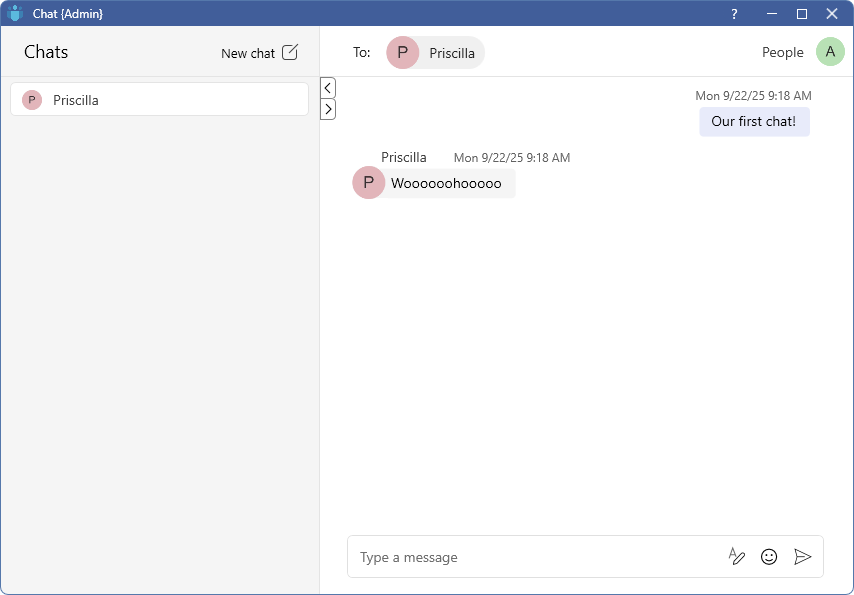
The Chat feature is not private and conversations can be queried in the database. It is not recommended for personnel-related issues or other private topics.
Chats
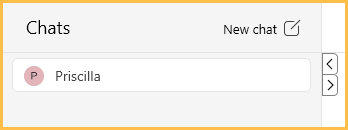
The Chats area displays a list of current chats with other Open Dental users.
- Click a name to open the conversation to the right.
- Click the left and right arrows to hide or display the Chats area.
- Click New chat to begin a new conversation.
Conversation
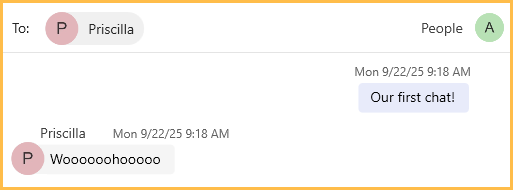
The conversation area displays the other users included in the chat and the conversation messages.
- Hover over the message of another user to add a reaction or reply to a specific message.
- Hover over a message sent by the logged-in user to edit the message, react to the message, or reply to a specific message.
Message Area

Use the message area to type and send a message.
- Click in the message area to begin typing.
- Click the Rich Text icon to add italics, bold, or underscore styling to a message. Additionally, add links or mark the message as important.
- Click the Emoji icon to add emojis to a message.
- Hit Enter on the keyboard, or click the Send button to send a message.
People and Settings
Click the user image to log out or open Chat Settings.
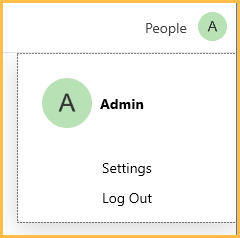
Click the People dropdown to view or edit users in the currently selected chat.
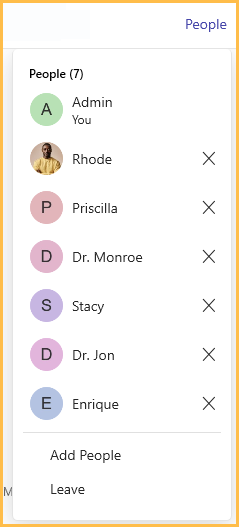
- Click the X next to a user to remove them from the chat.
- Click Add User to add an additional person to the chat.
- Click Leave to remove yourself from a chat.